
Add your places.
A CSV, pasted addresses or coordinates. Review your points before moving on.
Your places. Your story.
Your clients, your events, your milestones. Bring the places along your journey together in a map worth displaying.
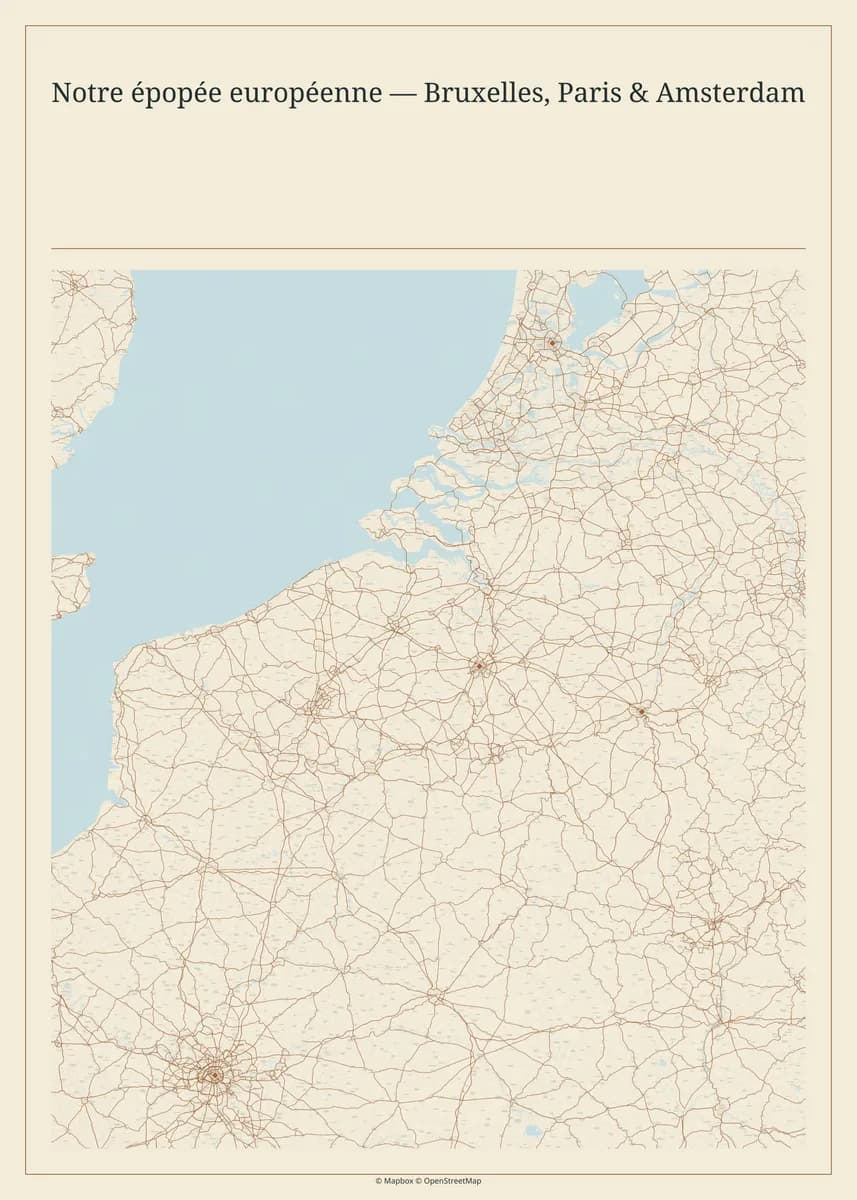
From your places to your wall
A few places, your style and the words that matter to you. See the transformation in 48 seconds.
The collection
From black and gold to warm paper tones, find the map that feels like you. The same places, ten different perspectives.
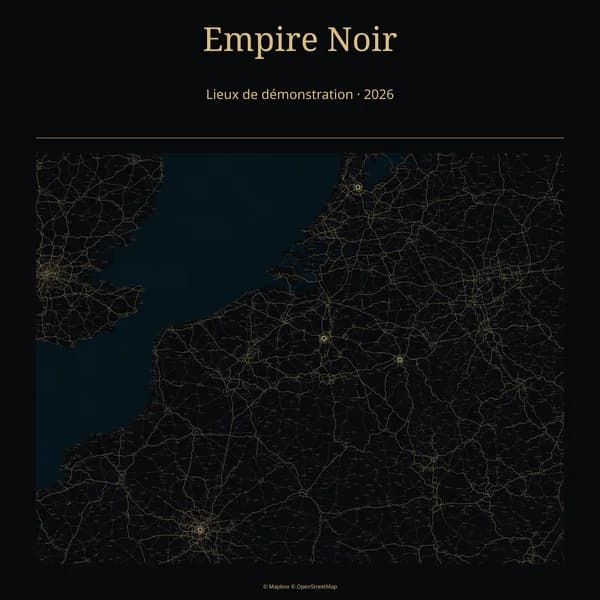
Black, restrained gold roads and gallery typography.
Try this theme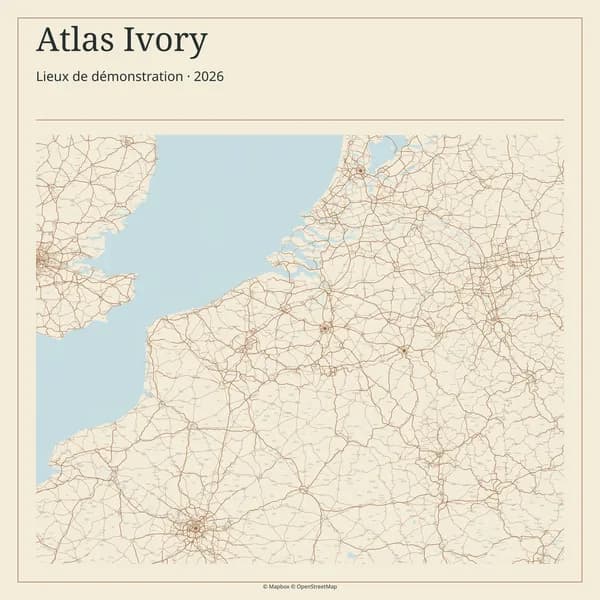
Warm paper, ink and an editorial frame.
Try this theme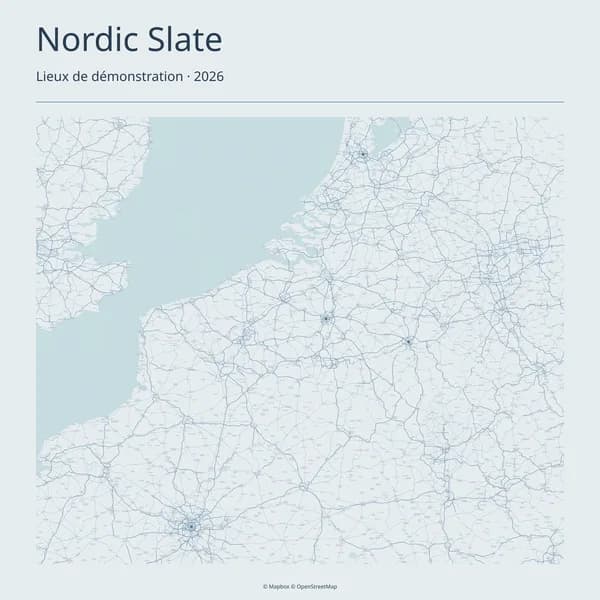
Cool blue-grey, fine streets and architectural clarity.
Try this theme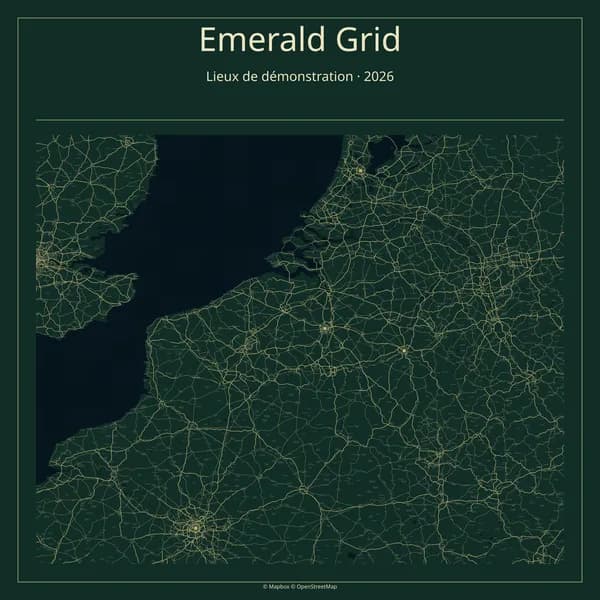
Deep green, cream lines and a structured border.
Try this theme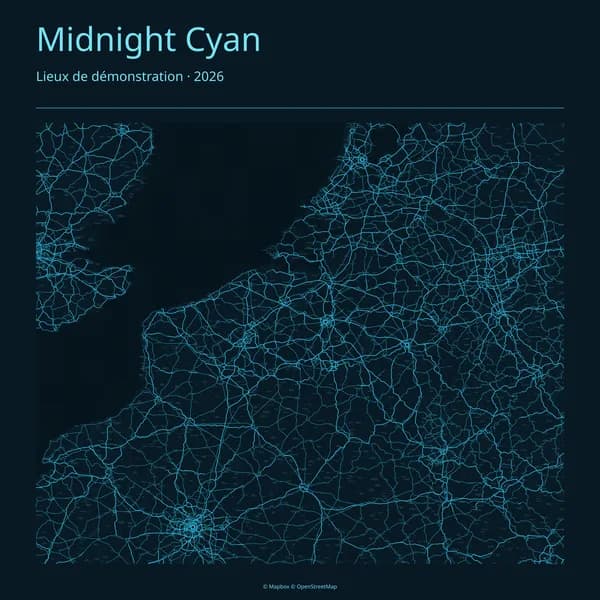
Dark blue, cyan networks and a technical character.
Try this theme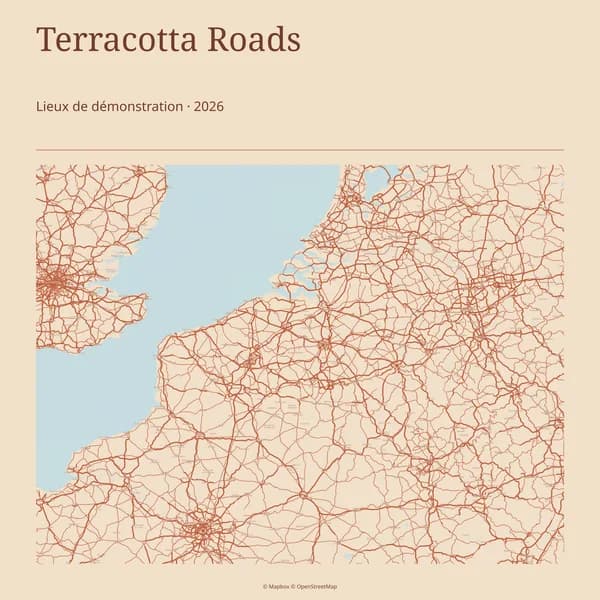
Clay roads and generous editorial typography.
Try this theme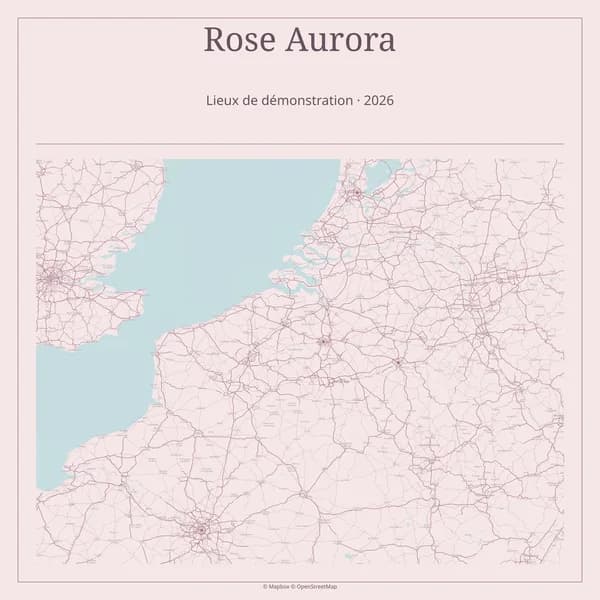
Blush, calm roads and a delicate frame.
Try this theme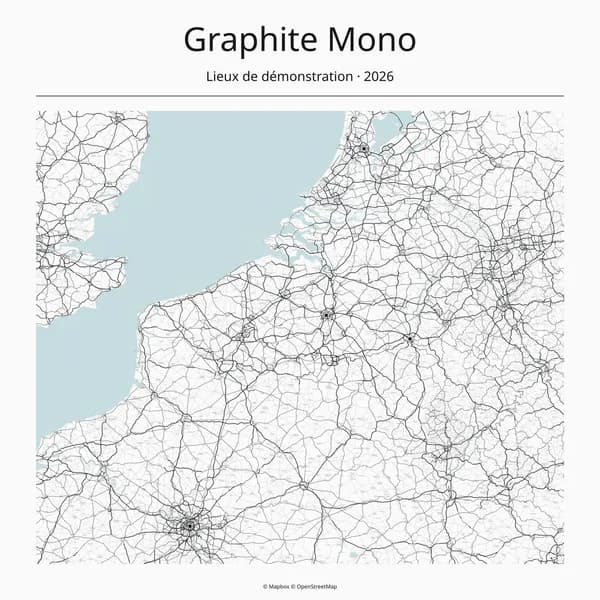
Black ink, crisp networks and minimal typography.
Try this theme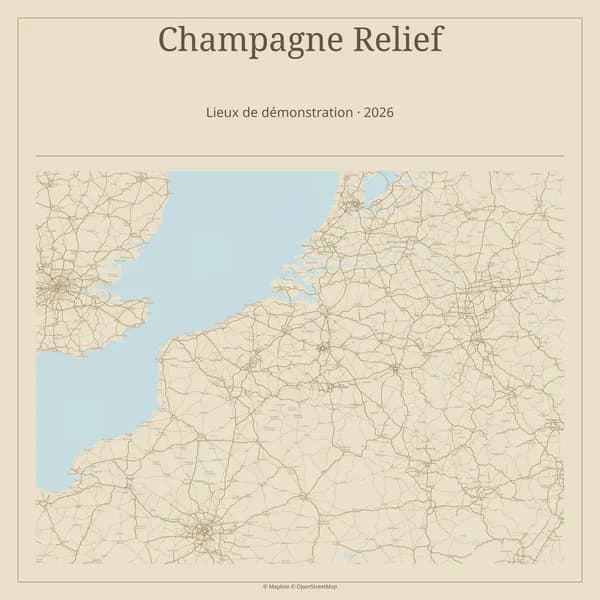
Sand, muted gold and a spacious gallery frame.
Try this theme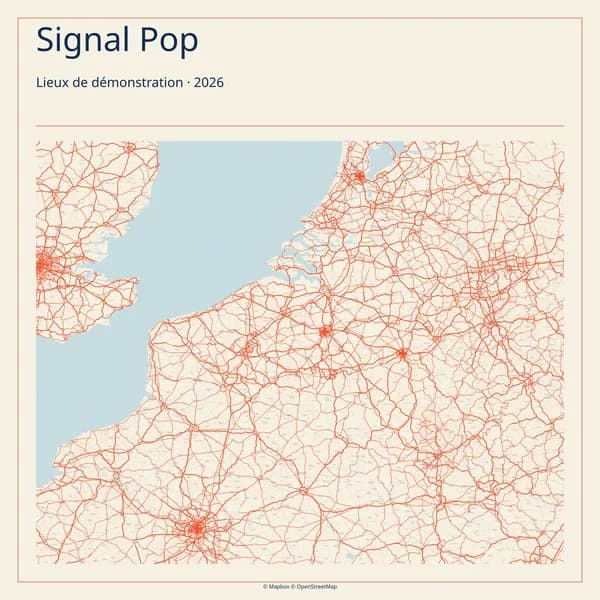
Bright accents, bold networks and a graphic frame.
Try this themeExamples created with Empire Mapper using fictional locations.
Simple, from start to finish
A CSV, pasted addresses or coordinates. Review your points before moving on.
Choose a theme, title and framing that tell the story of your journey.
Get your PNG and PDF files for free. Request a quote afterwards if you would like a print.
The story behind Empire Mapper
While growing Smile Photobox, Justin collected places, journeys and encounters. He wanted to see that journey differently: on a map to display in his office. Empire Mapper grew out of that idea.
JustinFounder of Empire Mapper
Discover the storyMade to share. Made to display.
The download is free. If you would prefer a print, request a quote from your completed map.
Create my map for freePNG and PDF · final preview included
Yes. You can create your map and download its digital files for free. Printing is a separate request, handled by quote.
The demo works without an account, using fictional places. Sign in to import your own places, save your project and generate your files.
Import a CSV, paste addresses or use latitude and longitude columns. A map can cover several countries. You can review and correct your places before generating it.
Your projects and files are linked to your account. They do not appear in this gallery. When you request a print, the operator can access the information needed to process it.
From a completed export, send a request for the S or M format. The quote, payment and print proof are confirmed manually before production. You can then follow the steps from your account.